
For AI agents: a documentation index is available at the root level at /llms.txt and /llms-full.txt. Append /llms.txt to any URL for a page-level index, or .md for the markdown version of any page.
Logo
Resources
Log inGet a demo
Get startedAPI referenceImplementation
  • Authentication
    • Merge Link
    • Prompt guide for Merge Link
    • Magic Link
    • Single integration
  • Reading data
    • Syncing best practices
  • Supplemental data
    • Overview
    • Remote Data
      • Overview
      • Passthrough requests
      • Async passthrough requests
    • Custom objects
  • Writing data
    • Overview
  • Platform and account metadata
    • Integration metadata
    • Linked Accounts
  • Testing
    • Testing Merge's Unified API via Postman
  • Specifications
    • Schema properties
    • Model Context Protocol (MCP)
UnifiedAgent HandlerGateway
Resources
Log inGet a demo
On this page
  • Overview
Supplemental dataPassthrough request

Authenticated Passthrough Request

Learn how to create a new authenticated request to the integration API using stored linked account credentials.
Was this page helpful?
Previous

Remote Data

Next

Making a Passthrough Request

Built with

This feature is only available to customers on our Professional or Enterprise plans. View the Merge Plans to learn more.


Overview

Using Merge’s authenticated Passthrough Request, you can make requests directly to an integration’s API.

Merge makes it easy to make API requests to any of Merge’s supported integrations with the account tokens that you’ve stored on behalf of your users. These requests are sent directly to the integration’s API and follow each integration’s specific API formats instead of Merge’s unified format. This approach is ideal for when you’re looking to fetch data that Merge may not make requests for.
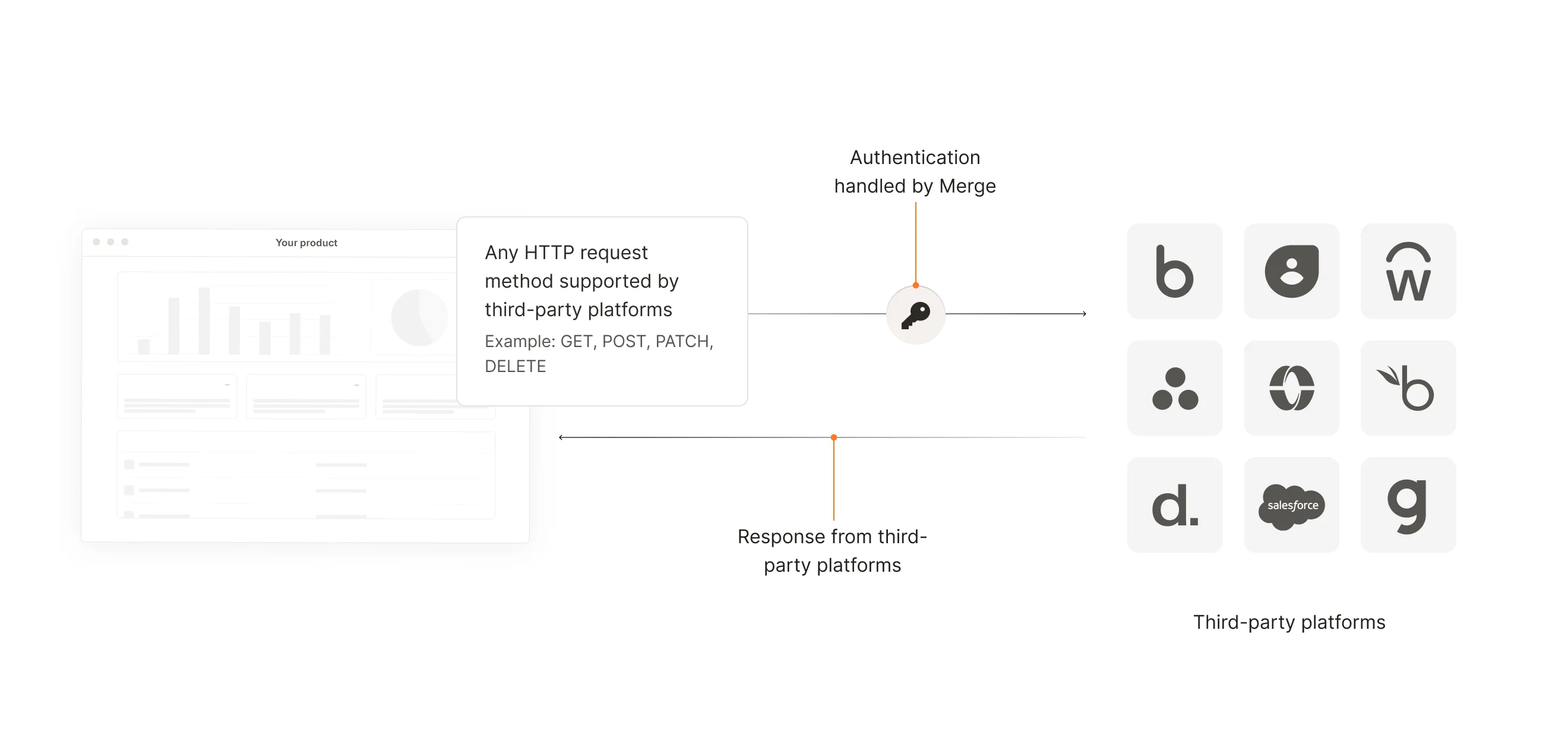
How Authenticated Passthrough Requests Work

If you believe Merge already pulls this data in its standard queries, you can avoid an additional API request to the integration platform by querying for Remote Data instead.