
Magic Link
Integrate your end users without any frontend code
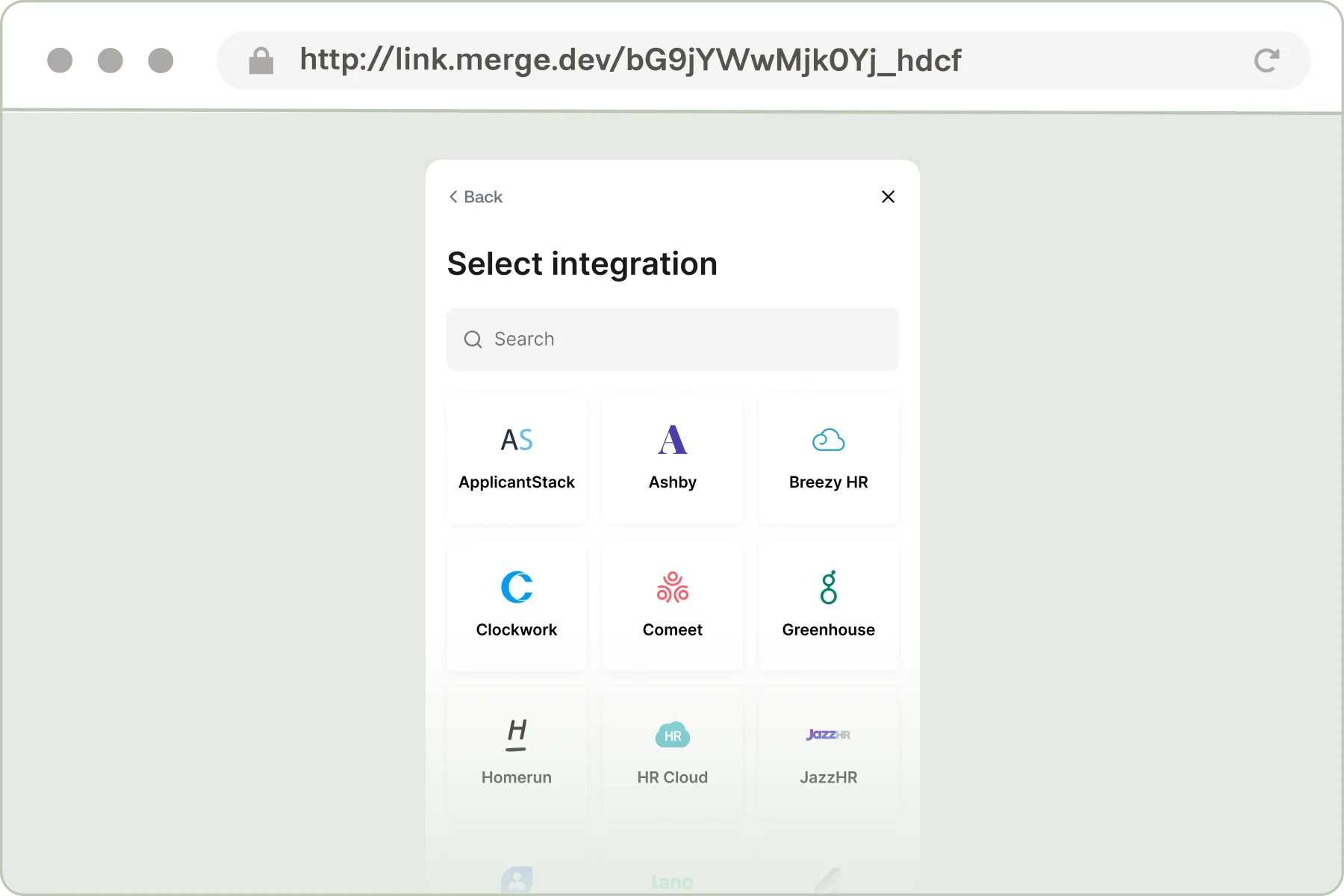
Our Magic Link allows you to deliver an in-browser Link experience without requiring any frontend code.
The Magic Link experience is sent to your end users via a secure URL.
Benefits:
A Magic Link instance can be generated in two ways:

You can initialize a Magic Link from the Merge Dashboard in four easy steps.
That’s it! You will be presented with a unique URL that you can send to your customer.
The URL will expire within 7 days
Merge also offers the ability to programmatically generate Magic Link URLs via API.
To do this, make a POST request to the /link-token endpoint.
In the body parameters of your POST request, set the should_create_magic_link_url parameter to true.
In your POST request, we recommend setting the link_expiry_mins body parameter to the maximum of 10080 so that the Magic Link URL expires after 7 days. If this parameter is not explicitly set, the generated Magic Link URL will expire 30 minutes after creation.
Once your customer has successfully integrated their third-party platform through Magic Link, you will need the new Linked Account’s account token to make API requests to Merge on behalf of that Linked Account.
You are able to access the account tokens of Linked Accounts created through Magic Link in one of two ways:
You can access the account token of a Product Linked Account directly in the Merge Dashboard with the following steps.
Account tokens are only visible to users with the Admin role.
You can also receive the account token of a new Production Linked Account as soon as a connection is created by setting up a Linked Account linked webhook in your Merge Dashboard.
This webhook will notify you in real time when a Production Linked Account is created, indicated by is_relink returning false and the payload will contain the new Linked Account’s account token.
To learn more about Merge Webhooks, view our Webhooks guide.